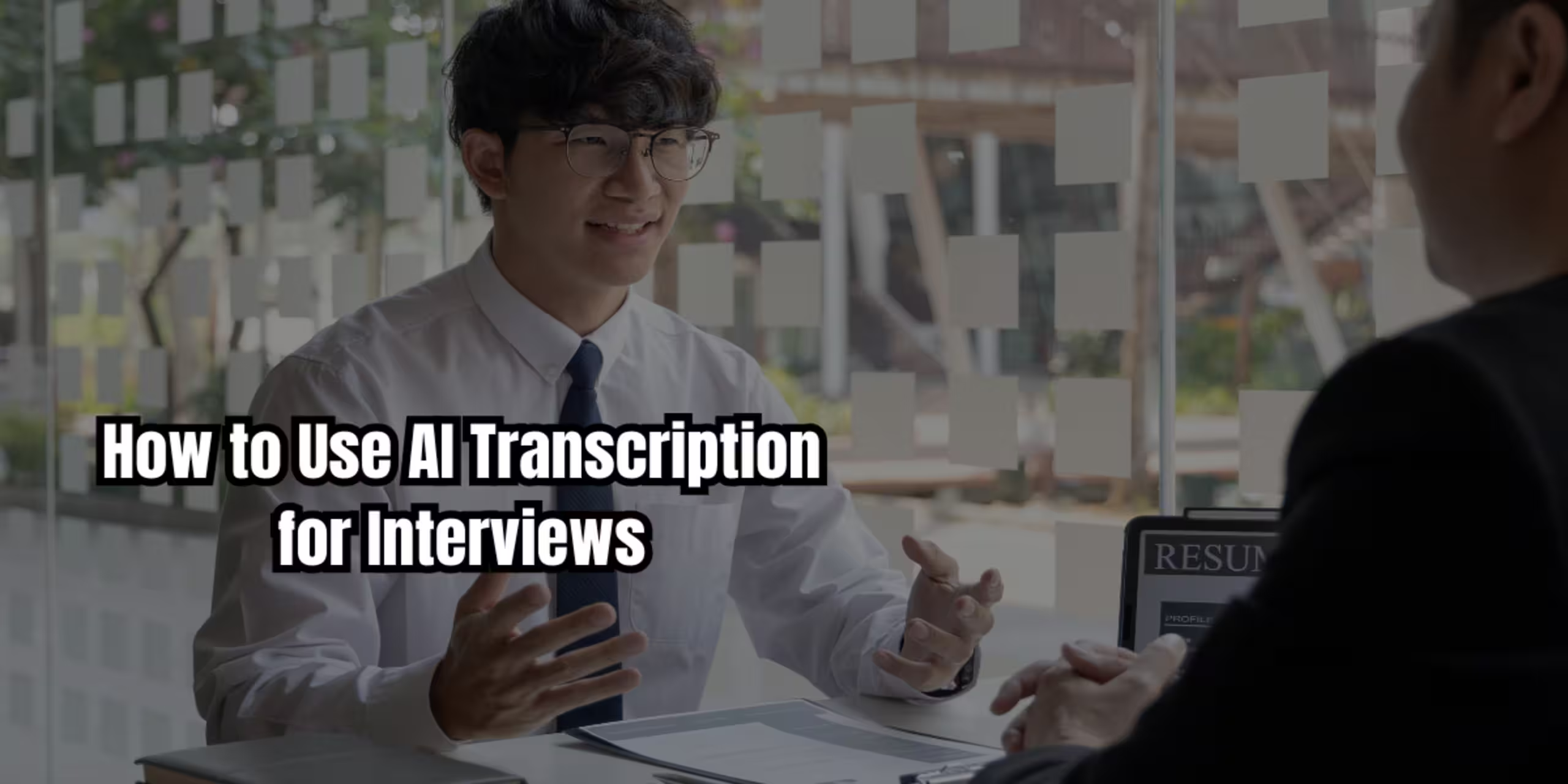
Picture this: you just finished a 90-minute interview. You’re excited about the insights you gathered, but then reality hits — you now have to transcribe every word of it.
If you’ve ever spent an entire evening rewinding audio, typing line by line, and losing your train of thought every ten seconds, you already know why AI transcription for interviews has become such a game-changer.
Today’s AI transcription tools can turn a lengthy audio file into a clean, readable text document in minutes, not hours. Whether you’re a student capturing research interviews, a journalist chasing a deadline, or a content creator repurposing podcast audio, this guide will show you exactly how to use AI to transcribe interviews quickly, accurately, and affordably.
By the end of this article, you’ll know:
- How AI transcription actually works
- The best tools for different needs and budgets
- A step-by-step workflow to transcribe interviews efficiently
- Tips to boost accuracy and save editing time
- Answers to the most common questions people have about this technology
Let’s get into it.
What Is AI Transcription and How Does It Work?
AI transcription uses speech-to-text AI models to convert spoken audio into written text automatically. Instead of a human typing out every word, an algorithm “listens” to the recording and generates a transcript in real time or shortly after upload.
Modern AI audio transcription relies on deep learning models trained on massive datasets of spoken language. These models recognize speech patterns, accents, pauses, and even background noise, then convert everything into readable text.
Some of the most well-known engines behind this technology include:
- Whisper AI transcription (developed by OpenAI), known for strong multilingual accuracy
- Google AI transcription, built into many Android and Google Workspace tools
- Proprietary models used by platforms like Otter.ai, Rev, and Descript
The result? What used to take four to six hours of manual typing can now be done in the time it takes to grab a coffee.
Why Use AI to Transcribe Audio Interviews?
Before jumping into tools, it helps to understand why this shift matters — especially if you’re still on the fence about switching from manual transcription.
1. It Saves an Enormous Amount of Time
A general rule of thumb: manual transcription takes about four times the length of the audio. A one-hour interview can take four hours to transcribe by hand. AI tools can cut that down to minutes.
2. It’s More Affordable Than Hiring a Transcriptionist
Professional human transcription services often charge per audio minute. For students and independent creators on a budget, free AI transcription tools or low-cost subscriptions offer a much more practical option.
3. It Improves Consistency and Searchability
AI-generated transcripts are typically timestamped and searchable, making it easy to jump to a specific quote or moment — something incredibly useful for journalists, researchers, and podcasters alike.
4. It Frees You Up to Focus on Analysis, Not Typing
Instead of spending hours transcribing, you can spend that time analyzing themes, drafting your article, or refining your podcast episode.
Best AI Transcription Tools for Interviews (2025 Overview)
There’s no single “best” tool — the right one depends on your use case, budget, and how much editing you’re willing to do. Here’s a breakdown of some of the most popular options.
1. Otter.ai Transcription
Otter.ai is a favorite among professionals and students for live meeting and interview transcription. It offers:
- Real-time transcription during calls or in-person conversations
- Speaker identification (labels different speakers automatically)
- A generous free tier, making it one of the most accessible free AI transcription tools
Best for: Students and professionals who need quick, real-time transcripts for meetings or one-on-one interviews.
2. Rev AI Transcription
Rev offers both AI-only transcription and human-reviewed transcription for higher accuracy. It’s a solid choice when precision really matters — like for legal, medical, or academic interviews.
Best for: Researchers and professionals who need near-perfect accuracy and are willing to pay a bit more.
3. Descript
Descript blends transcription with audio and video editing. You can literally edit your interview by editing the text — delete a sentence in the transcript, and it removes that audio segment too.
Best for: Podcasters and video creators who want to edit and transcribe in one workflow.
4. Whisper-Based Tools
Several apps and platforms now integrate OpenAI’s Whisper model, prized for its strong performance across accents and languages. Many free or open-source transcription apps are built on top of it.
Best for: Multilingual interviews or users who want a free, self-hosted option.
5. Google AI Transcription (Google Docs Voice Typing / Recorder App)
Google offers built-in AI voice transcription through its Recorder app (Android) and Google Docs’ voice typing feature.
Best for: Quick, casual transcription needs without installing new software.
How to Transcribe Interviews Quickly Using AI: Step-by-Step Workflow
Here’s a simple, repeatable AI transcription workflow you can use for almost any interview, whether it’s for a class project, an article, or a podcast episode.
Step 1: Record in Good Audio Quality
AI transcription accuracy depends heavily on audio clarity. Before your interview:
- Use an external microphone if possible, not just your phone’s built-in mic
- Record in a quiet room to minimize background noise
- Do a 10-second test recording to check sound levels
Step 2: Choose the Right Tool for Your Needs
Match the tool to your situation:
- Live interview? Use Otter.ai for real-time transcription.
- Pre-recorded audio file? Rev or Whisper-based tools work well.
- Need to edit + transcribe together? Try Descript.
Step 3: Upload or Record Directly Into the Tool
Most platforms let you either upload an existing audio file or record directly within the app. Uploading is usually best for interviews recorded elsewhere, like on a voice recorder or Zoom call.
Step 4: Let the AI Process the Audio
Processing time varies, but most tools transcribe a one-hour interview in five to fifteen minutes. Longer files or lower-quality audio may take a bit longer.
Step 5: Review and Edit the Transcript
Even the best AI transcription tools aren’t perfect. Always review your transcript for:
- Misheard words or names (especially unusual proper nouns)
- Missing punctuation that changes meaning
- Speaker mix-ups in multi-person interviews
Step 6: Export in the Format You Need
Most tools let you export as TXT, DOCX, PDF, or SRT (for video captions). Choose the format based on your final use — an article, a report, or subtitles.
Real-World Examples: How Different Users Apply AI Transcription
Example 1: A Journalism Student
A journalism student interviewing a local business owner for a class assignment records the conversation on her phone, uploads it to Otter.ai, and has a searchable transcript within minutes — ready to pull quotes for her article without replaying the audio repeatedly.
Example 2: A UX Researcher
A user researcher conducting five customer interviews in one week uses Rev for higher-accuracy transcripts, since even small misheard words could distort research findings. She then codes and analyzes themes directly from the text.
Example 3: A Podcast Host
A podcaster records a 45-minute conversation with a guest, then uses Descript to transcribe it and edit out filler words directly from the text editor — cutting production time significantly compared to manual audio editing.
These examples highlight a key point: AI transcription for interviews isn’t a one-size-fits-all solution. The right workflow depends on your goals, whether that’s speed, accuracy, or editing convenience.
How Accurate Is AI Transcription? Understanding Its Limits
AI transcription accuracy has improved dramatically, but it’s still not flawless. Here’s what typically affects accuracy:
- Accents and dialects — some tools handle these better than others
- Background noise — crosstalk, music, or environmental sounds reduce accuracy
- Technical or niche vocabulary — industry jargon or uncommon names often get misheard
- Multiple speakers talking over each other — this remains one of AI’s biggest challenges
Most modern tools achieve accuracy rates in the 85–95% range under good recording conditions. That’s impressive, but it means a quick human review is still a smart step before publishing or citing a transcript.
AI Transcription for Specific Use Cases
AI Transcription for Journalists
Speed and accuracy matter most here. Journalists on tight deadlines benefit from real-time transcription tools like Otter.ai, paired with a quick manual review for direct quotes that will be published.
AI Transcription for Researchers
Academic and market researchers often need timestamped, speaker-labeled transcripts for qualitative coding. Rev and Otter.ai both support this well.
AI Transcription for Podcasts
Podcasters benefit most from tools like Descript that combine transcription with editing, since it turns the transcript into a functional editing interface — not just a reference document.
AI Meeting Transcription
For professionals transcribing meetings rather than one-on-one interviews, look for tools with strong speaker identification, since meetings often involve more than two voices.
Key Tips to Get the Best Results From AI Transcription
- Record in a quiet space — background noise is the number one accuracy killer
- Use a decent microphone, even a basic USB mic outperforms most phone speakers
- Speak clearly and avoid talking over your interview subject when possible
- Choose a tool that matches your use case — real-time vs. uploaded audio, accuracy vs. speed
- Always proofread names, numbers, and technical terms — these are the most commonly misheard elements
- Use speaker labels if your tool supports it, especially for multi-person interviews
- Export in the right format early so you don’t have to reformat later
- Try the free tier first before committing to a paid plan, most tools offer limited free usage
Free vs. Paid AI Transcription Tools: Which Should You Choose?
If you’re a student or just starting out, free AI transcription tools like Otter.ai’s free tier or Google’s Recorder app are more than enough for casual use.
If accuracy and volume matter more — say, you’re transcribing interviews professionally or need guaranteed high accuracy for publication — investing in a paid plan (Rev, Descript, or Otter’s premium tier) is usually worth it.
A simple rule: start free, upgrade once you hit a real limitation (like word/minute caps or accuracy issues with your specific audio type).
Conclusion
AI transcription for interviews has completely changed how students, professionals, and creators handle audio content. What once took hours of tedious typing can now be done in minutes, freeing you up to focus on what actually matters — the insights, the story, or the content itself.
Whether you choose Otter.ai for real-time convenience, Rev for higher accuracy, Descript for editing power, or a free Whisper-based tool, the key is matching the tool to your specific workflow.
Start with a free option, test it on your next interview, and see how much time you get back. Once you experience how much faster your workflow becomes, going back to manual transcription will feel unthinkable.