How to Use Gemini in Gmail: A Complete Beginner’s Guide
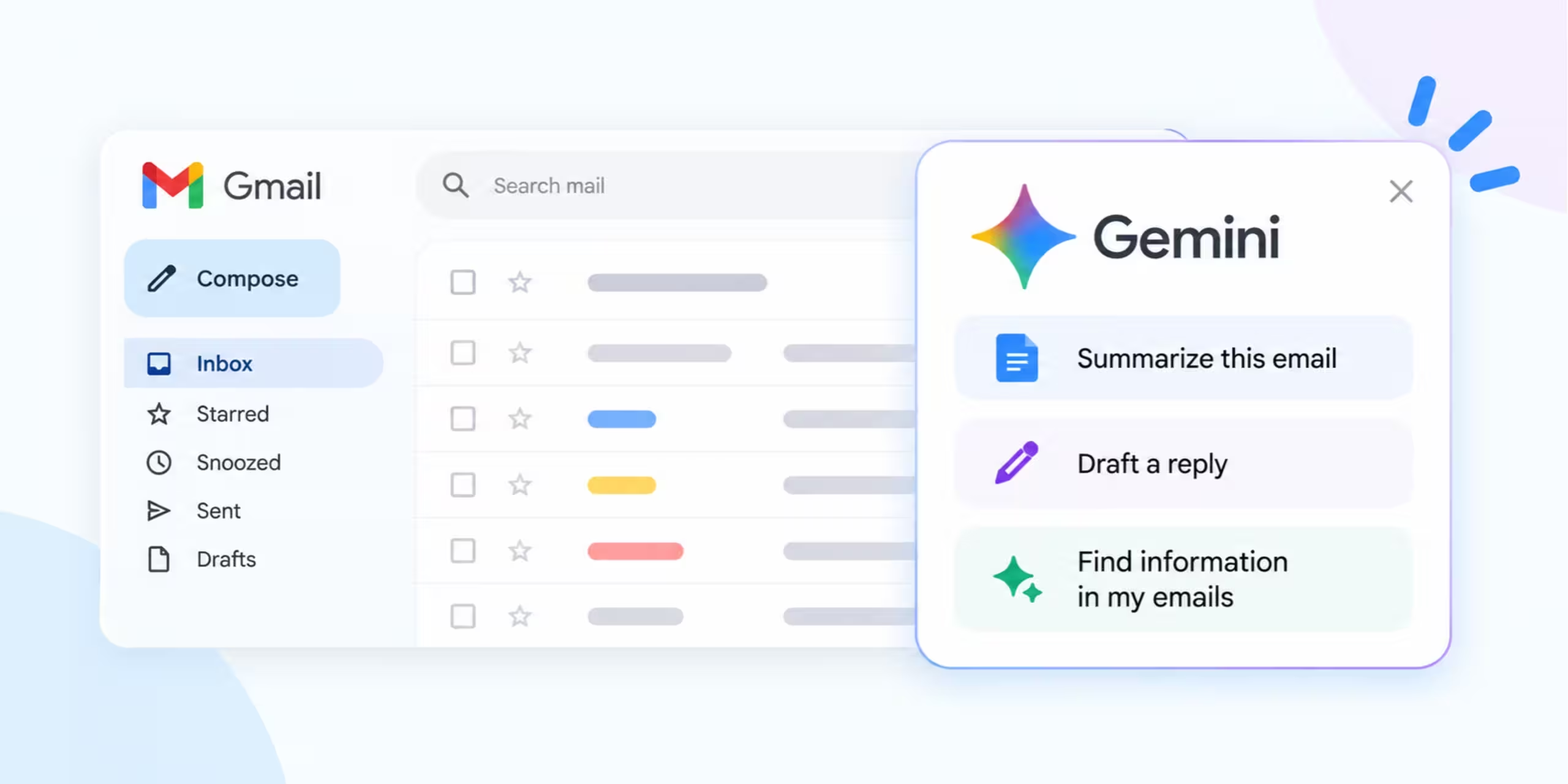
how to use gemini in gmail

Gemini in Gmail is Google’s built-in AI assistant that lives right inside your inbox. It can draft emails for you, summarize long threads, answer questions about past messages, and even help organize your inbox, all without leaving Gmail. In January 2026, Google announced that Gmail was entering what it calls the “Gemini era.” Several features
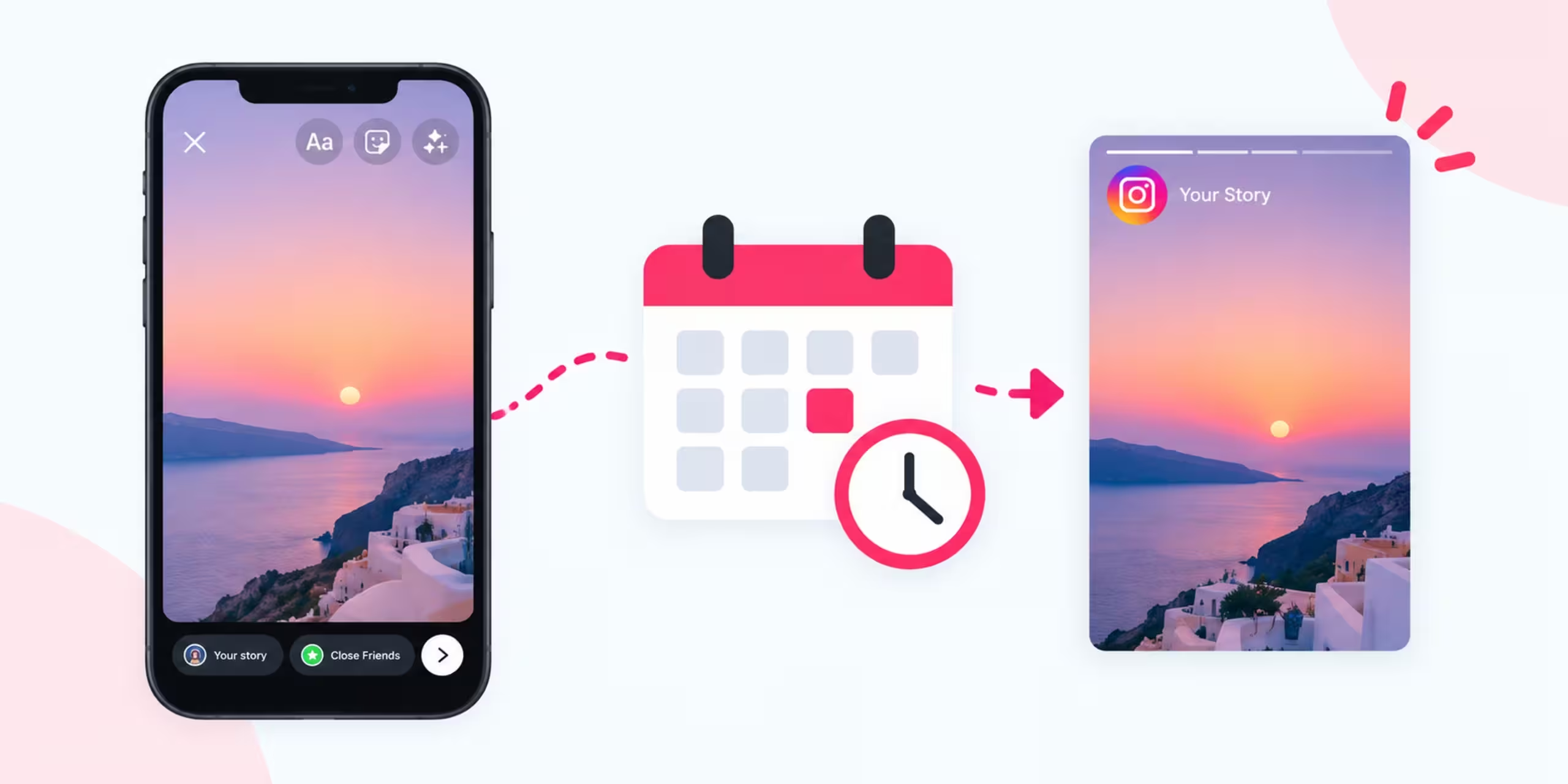

How to Schedule Instagram Stories: A Step-by-Step Guide

How to Schedule Instagram Stories

Instagram Stories are a simple way to share updates, tips, promotions, product information, and behind-the-scenes content. The problem is that publishing Stories manually every day can take time, especially when you manage an account for a business, blog, or personal brand. Scheduling solves part of that problem. Instead of waiting until the exact moment you

How to Automate Instagram Posts

How to Automate Instagram Posts

Keeping an Instagram account active can take a surprising amount of time. You need to create content, prepare captions, choose publishing dates, and remember to post everything on schedule. You can reduce much of this repetitive work by learning how to automate Instagram posts. Instead of publishing every post manually, you can prepare content ahead

How to Use Gemini in Google Docs

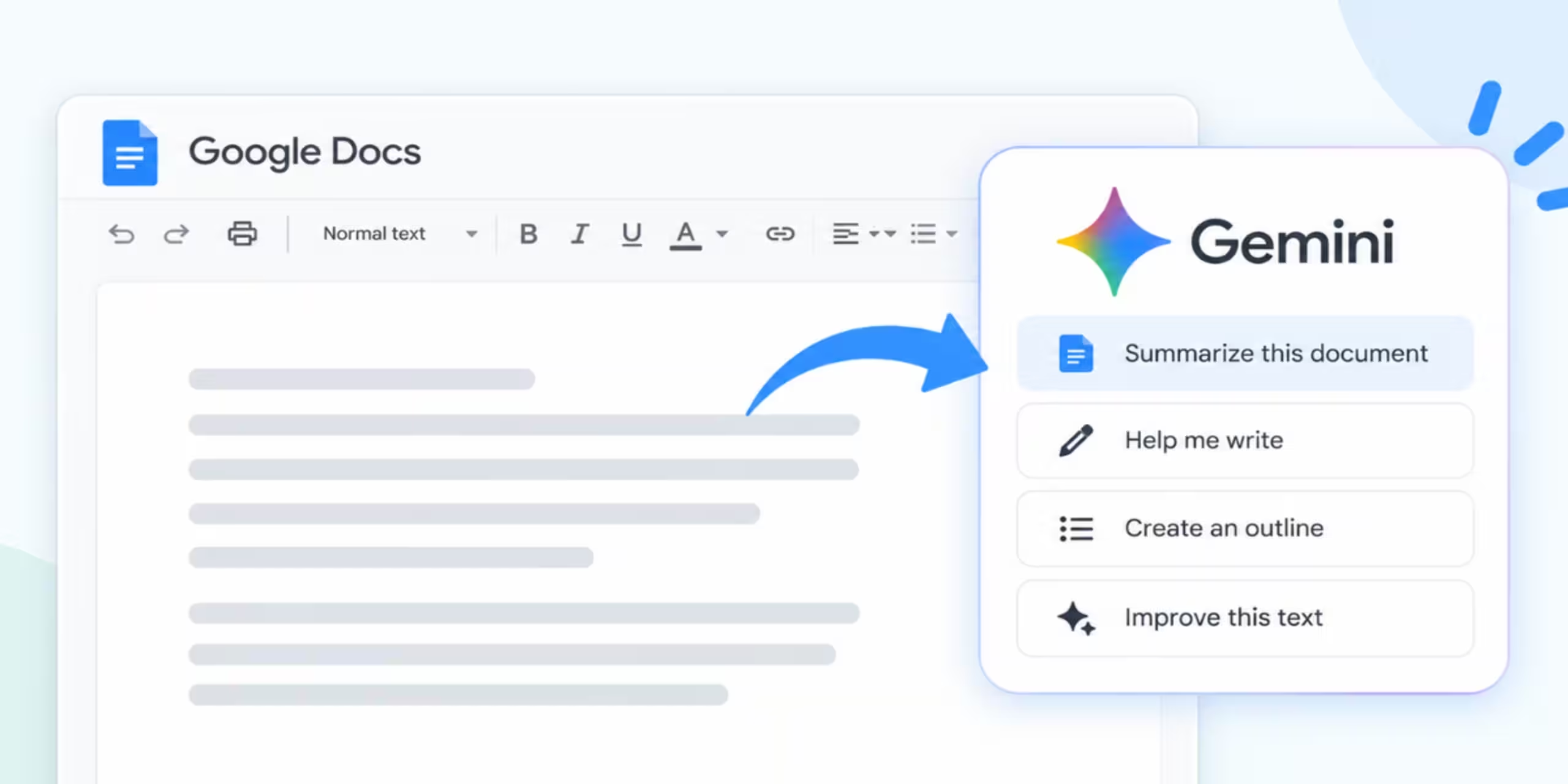
How to Use Gemini in Google Docs

Google Docs is already a popular tool for writing documents, reports, notes, and articles. With Gemini built into Docs, you can now use AI while working on the document itself. Gemini can help you draft new content, rewrite paragraphs, shorten text, summarize documents, organize information, work with selected files, and create images. The exact features

How to Summarize YouTube Videos With Gemini

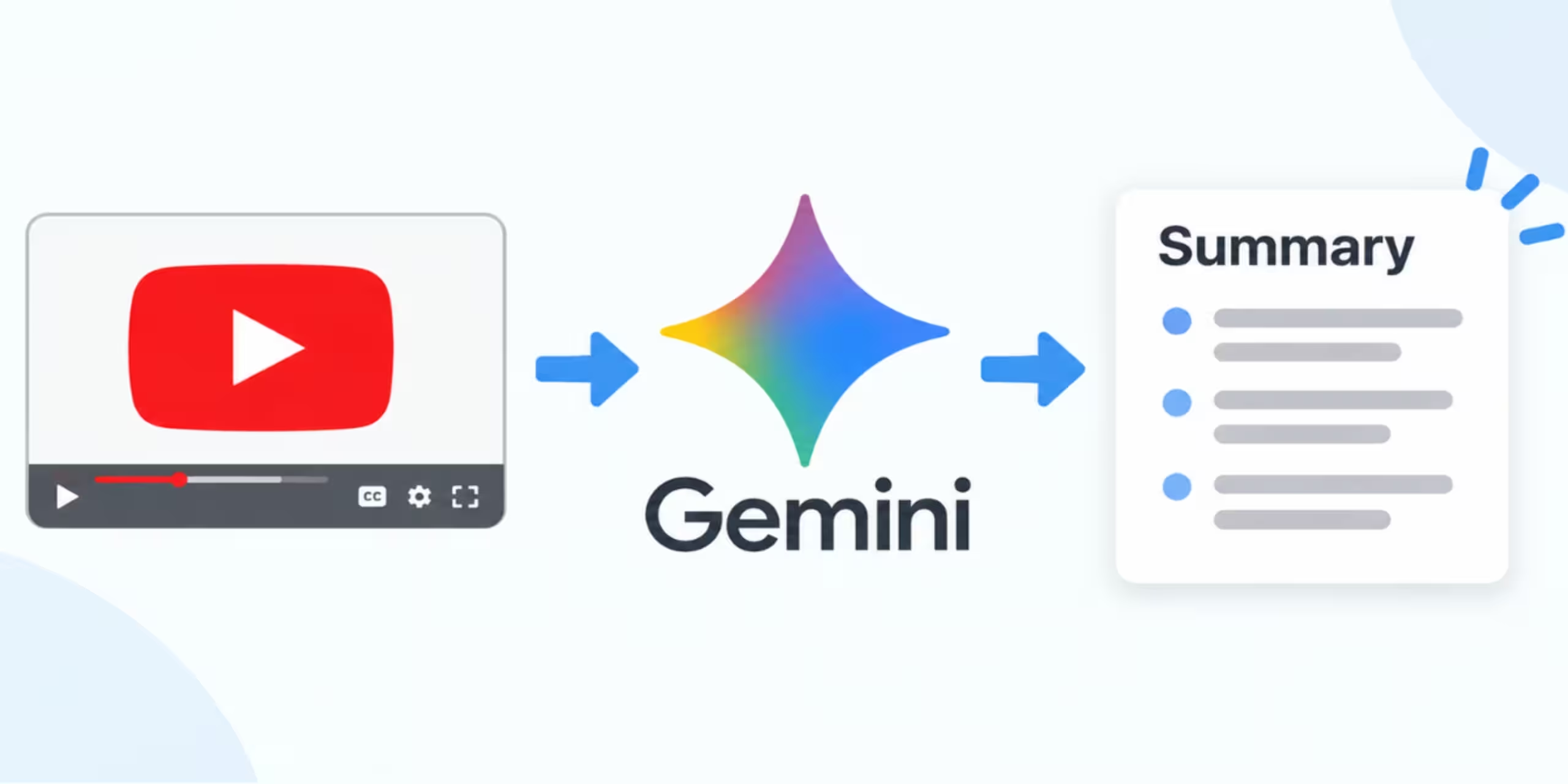
summarize youtube videos with gemini-

Watching a 30-minute or two-hour YouTube video just to find a few useful points can take a lot of time. Gemini can help you get information from YouTube content by finding videos, answering questions about them, and creating useful summaries. You can ask Gemini about a YouTube video you find through Gemini or provide a

How to Create Images With ChatGPT: Complete Guide

A written idea can become a finished image in ChatGPT with a single prompt. You can describe a scene, product, illustration, social media graphic, or blog visual and let ChatGPT generate an image based on your instructions. You can also work with an image you already have. Upload it, describe the change you want, and

How to Summarize a PDF With ChatGPT: Complete Guide

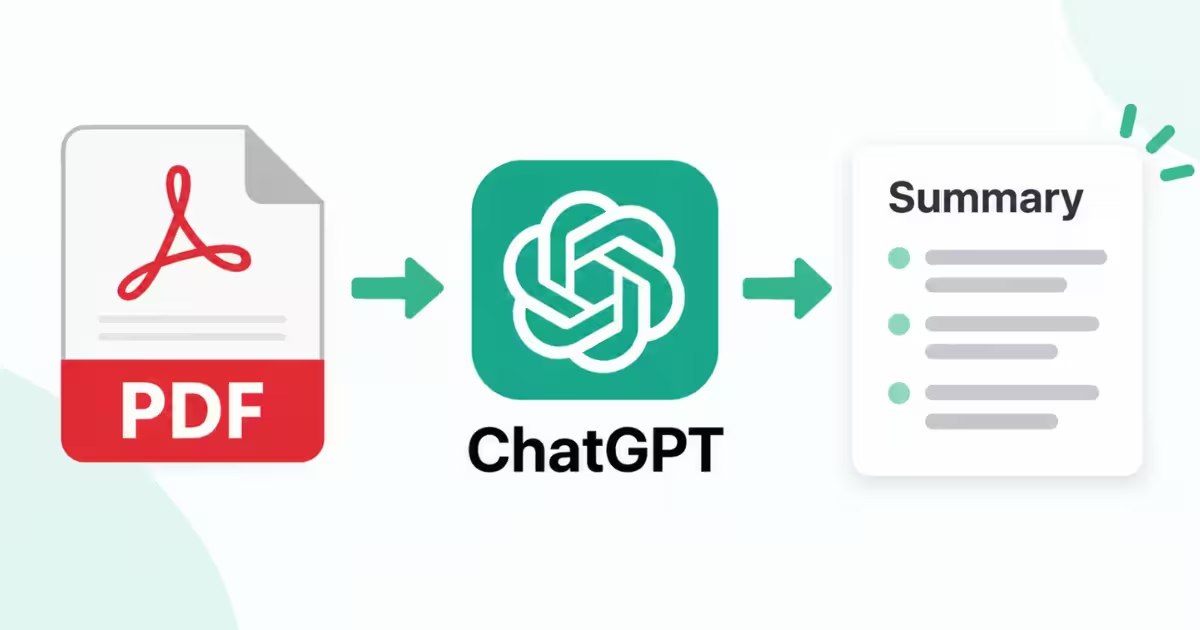
Summarize a PDF With ChatGPT

Long PDFs can hide the information you actually need among dozens or hundreds of pages. ChatGPT can help you pull out the useful parts by creating summaries, explaining sections, finding details, and organizing information from an uploaded document. You only need to upload the PDF and tell ChatGPT what kind of summary you want. For

How to Upload a PDF to ChatGPT: Complete Guide

Upload a PDF to ChatGPT

Reading a long PDF can take a lot of time, especially when you only need a few details from it. ChatGPT can work with uploaded PDF files, which means you can ask questions about a document, create a summary, find specific information, or turn its contents into study material. The process is simple. Start a

Copilot vs ChatGPT for School Work: Which Should Students Use in 2026?

why is Copilot better than ChatGPT for school work

Microsoft Copilot and ChatGPT can both help students with schoolwork, but they are useful in different situations. Copilot can be especially useful when your work already lives inside Microsoft tools such as Word, PowerPoint, Excel, or other Microsoft 365 services. ChatGPT can be useful when you want an interactive explanation, study plan, practice questions, or