How to Use Gemini in Gmail: A Complete Beginner’s Guide
how to use gemini in gmail

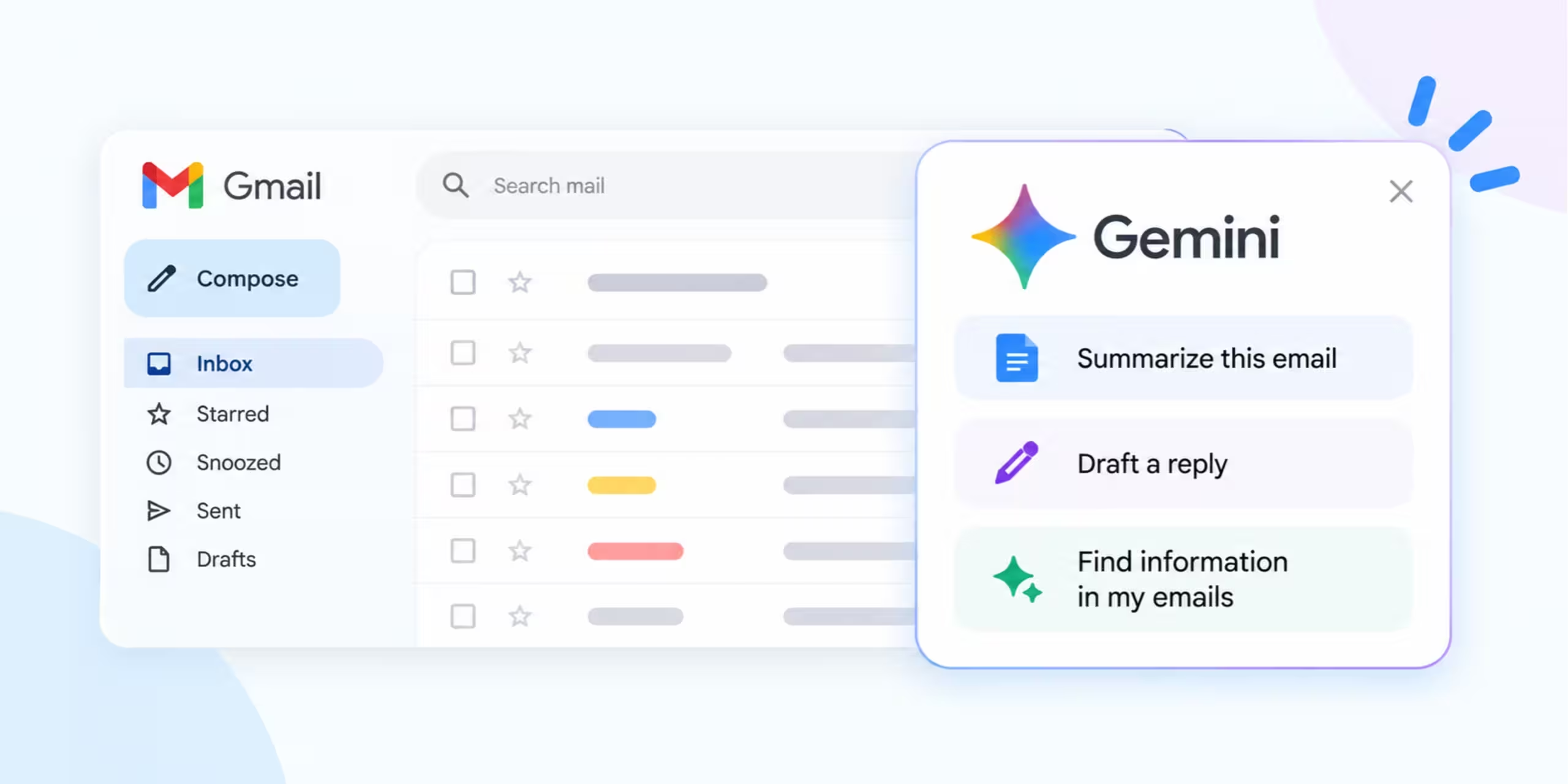
Gemini in Gmail is Google’s built-in AI assistant that lives right inside your inbox. It can draft emails for you, summarize long threads, answer questions about past messages, and even help organize your inbox, all without leaving Gmail. In January 2026, Google announced that Gmail was entering what it calls the “Gemini era.” Several features
How to Use Gemini in Google Docs

How to Use Gemini in Google Docs

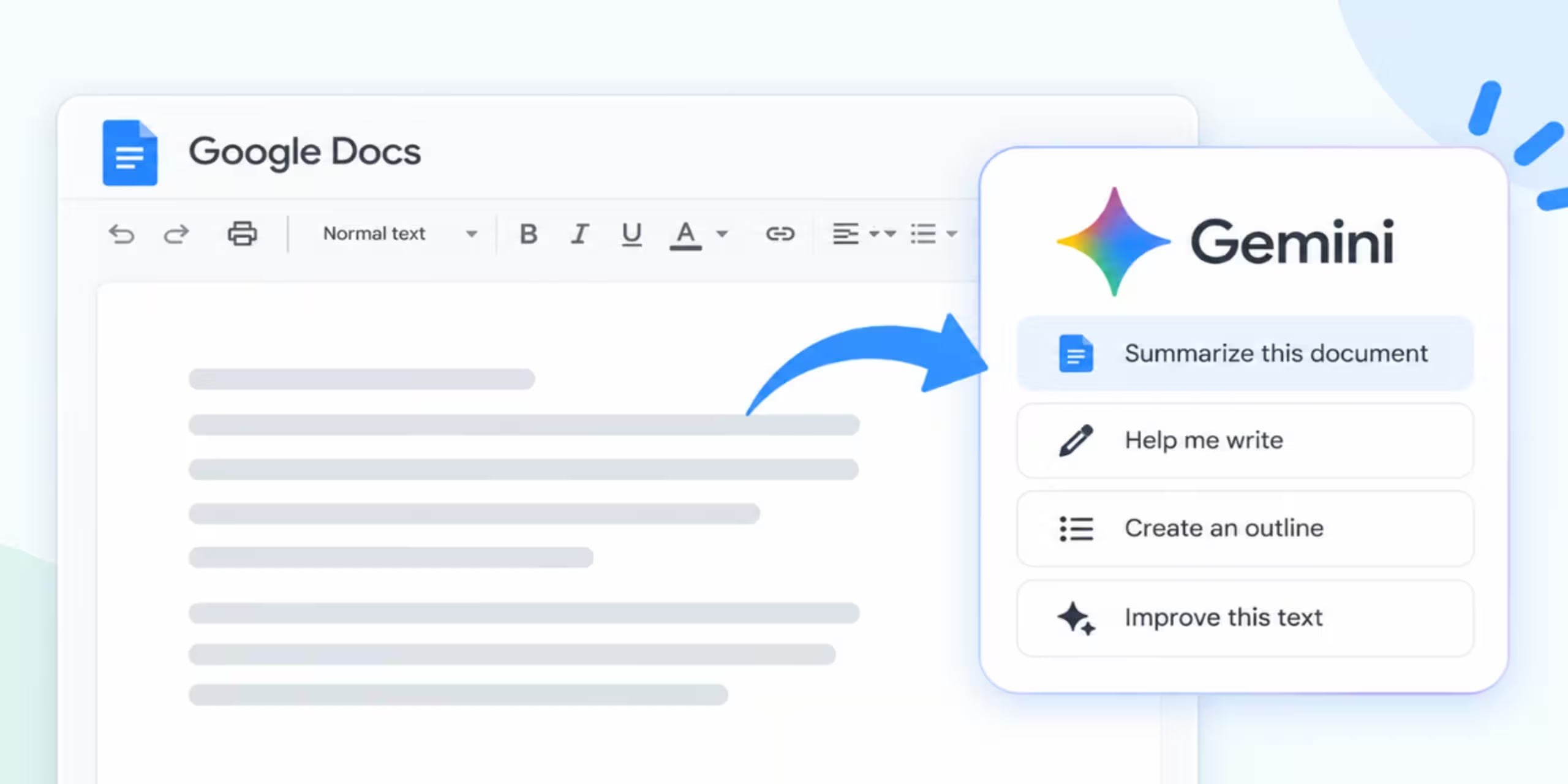
Google Docs is already a popular tool for writing documents, reports, notes, and articles. With Gemini built into Docs, you can now use AI while working on the document itself. Gemini can help you draft new content, rewrite paragraphs, shorten text, summarize documents, organize information, work with selected files, and create images. The exact features

How to Summarize YouTube Videos With Gemini

summarize youtube videos with gemini-

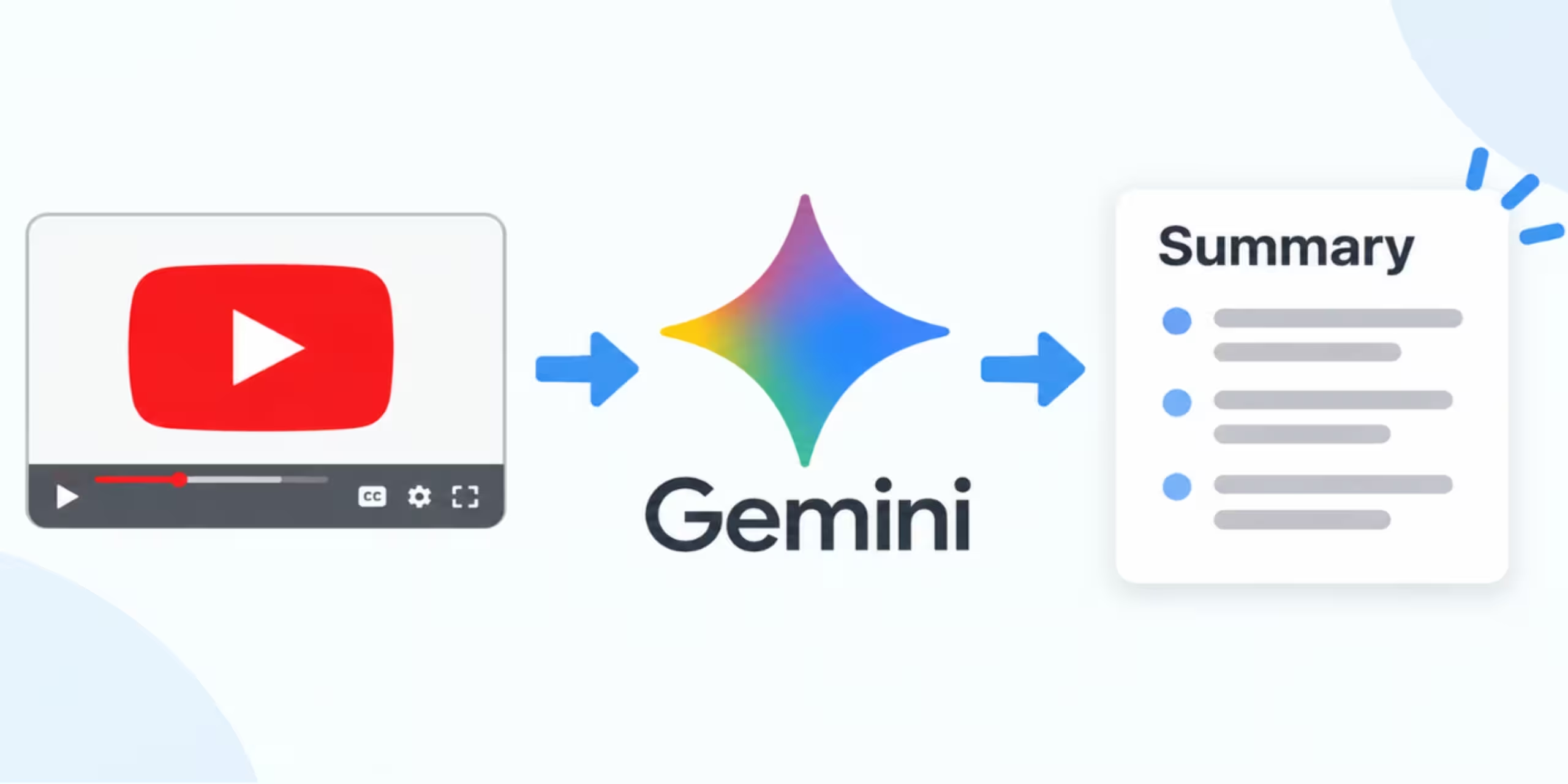
Watching a 30-minute or two-hour YouTube video just to find a few useful points can take a lot of time. Gemini can help you get information from YouTube content by finding videos, answering questions about them, and creating useful summaries. You can ask Gemini about a YouTube video you find through Gemini or provide a

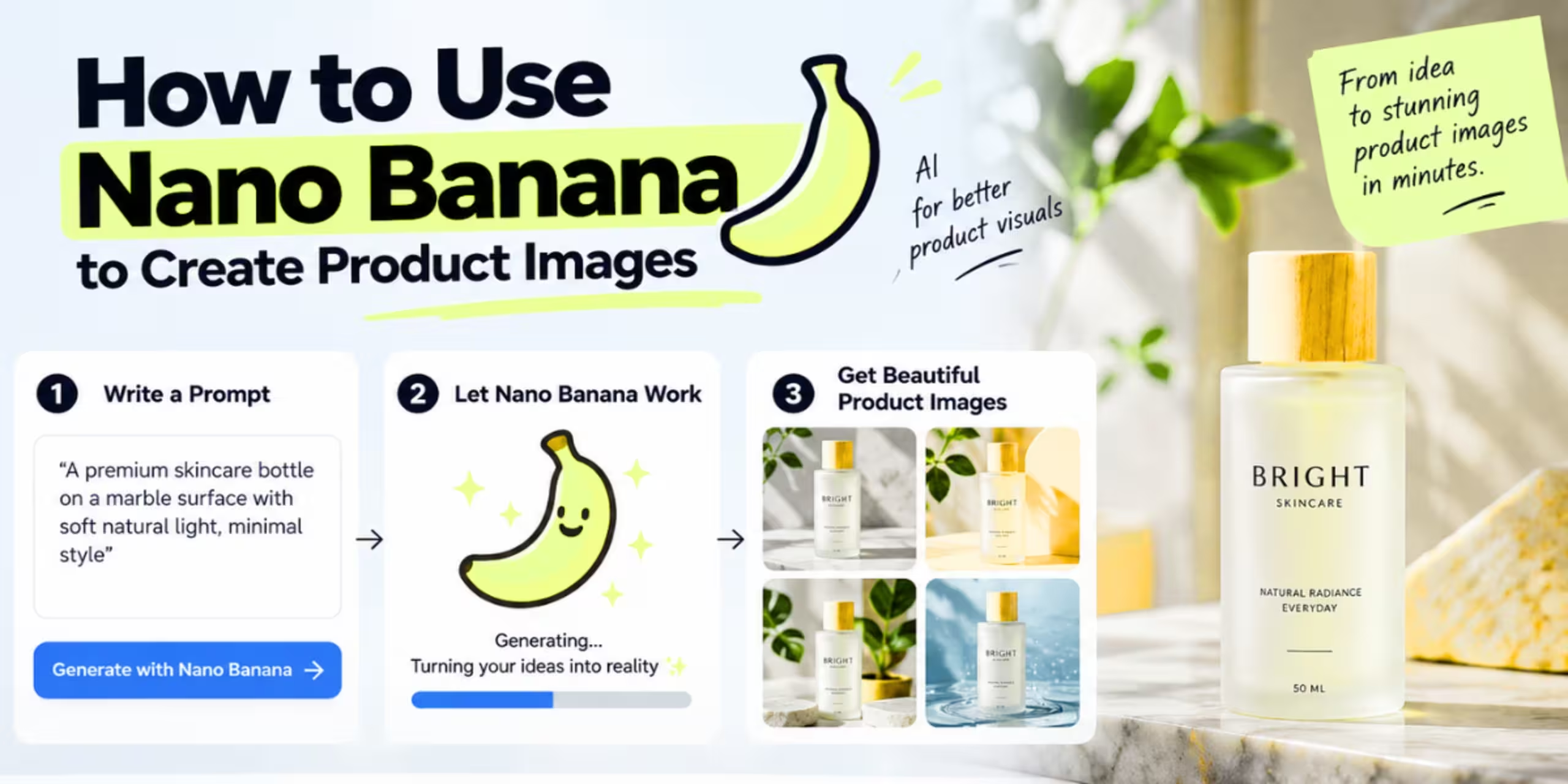
How to Use Nano Banana to Create Product Images

Nano Banana to Create Product Images

Good product photos usually need a camera, lighting, a backdrop and a lot of time. Nano Banana, Google’s image model inside Gemini, lets you start from a simple phone photo and turn it into a clean listing image or a lifestyle shot. This guide explains what Nano Banana is, how to prepare your photo, the

Benefits of Google Gemini for Students

benefits of Google Gemini for students

Education today isn’t what it used to be — and students feel it every day. Assignments arrive faster than they can be finished. Deadlines overlap. And no matter how organized you try to be, there’s always one more thing waiting for attention. That’s why the old advice — “just study harder” — no longer works.