Running a small business means doing a dozen jobs at once: marketing, customer service, admin, sales and more. Free AI tools can take some of that work off your plate without adding to your costs.
This guide lists the most useful free AI tools for small businesses, grouped by task, and explains how to choose and use them safely.
What are AI tools?
AI tools are apps that use artificial intelligence to do tasks that normally take human time: writing text, designing images, answering customer questions, transcribing meetings or spotting patterns in data.
Most work in a web browser, need no coding, and offer a free plan so you can start without paying.
How AI helps small businesses
- Automates repetitive work such as scheduling posts and sorting emails
- Speeds up content creation for social media, blogs and ads
- Improves customer response times with chatbots and email templates
- Turns data into decisions with analytics and reports
- Reduces outsourcing costs for simple design and writing tasks
Free AI tools for content creation
Writing
| Tool | Best for |
| ChatGPT | Drafts, outlines, captions and emails |
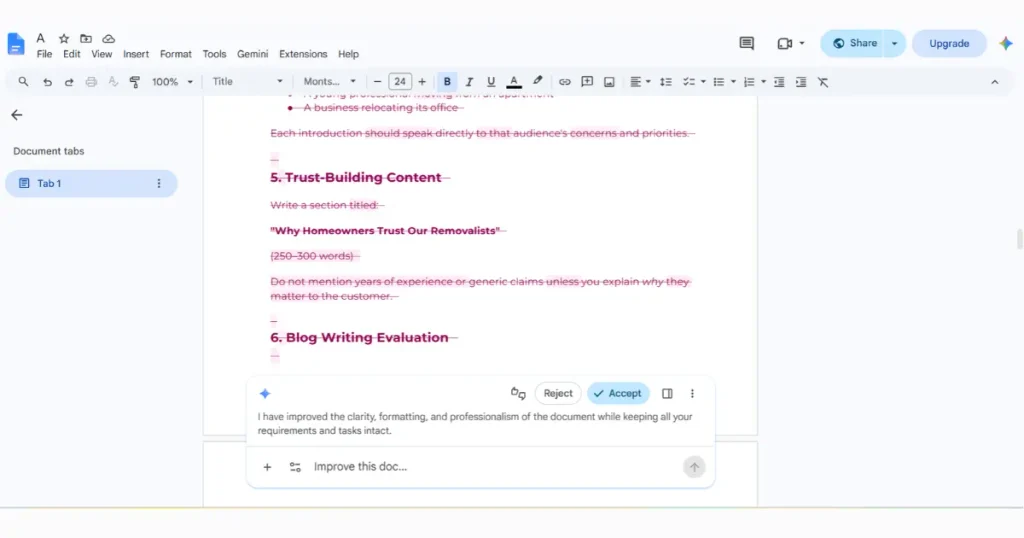
| Google Gemini | Writing inside Gmail and Google Docs |
| Claude | Long-form writing and editing |
| Copy.ai | Short marketing copy |
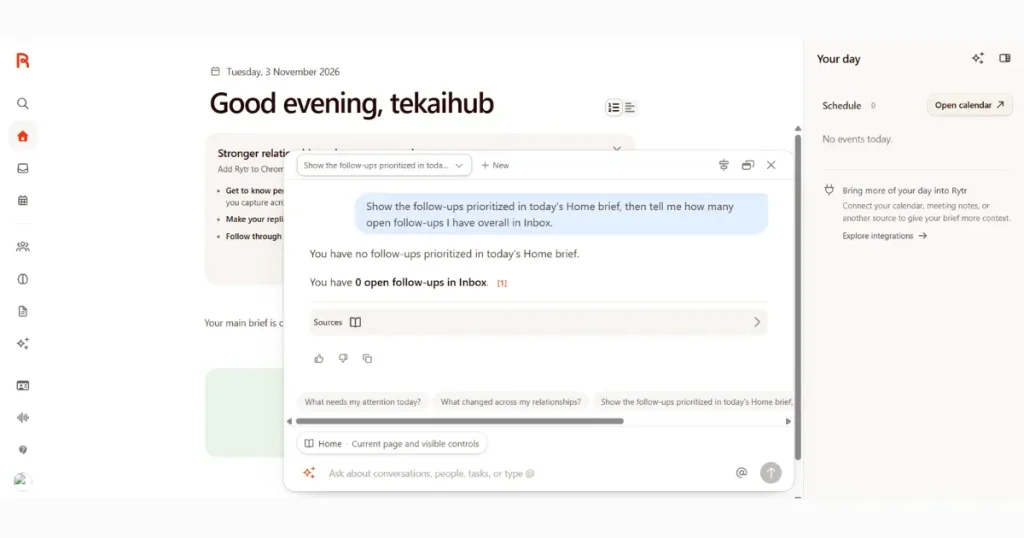
| Rytr | Low-cost short-form content |
Use AI drafts as a starting point and always edit them in your own voice.
Images and design
| Tool | Best for |
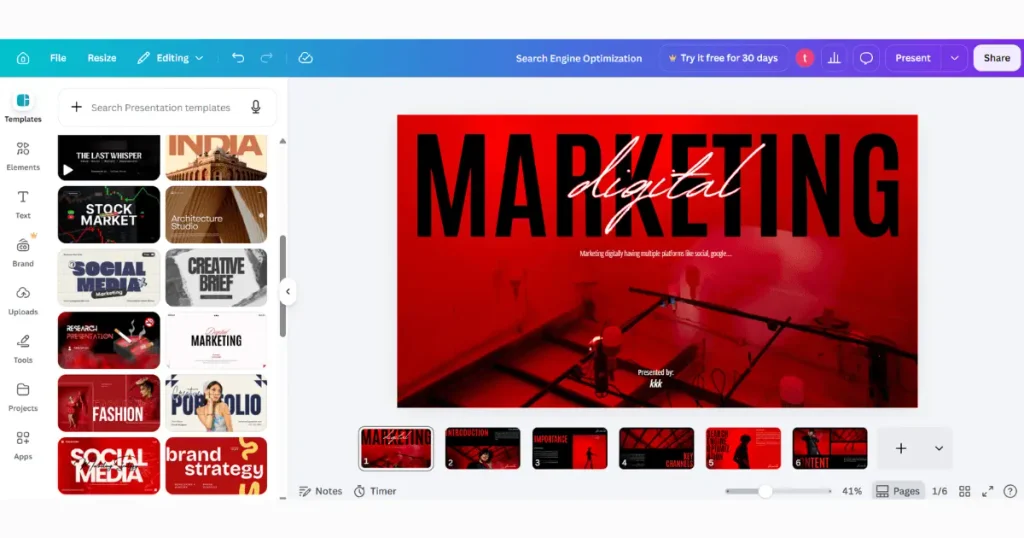
| Canva (Magic Studio) | Social graphics, background removal, presentations |
| Adobe Express / Firefly | AI images and quick designs |
| Microsoft Designer | Social posts and simple graphics |
| Google Gemini | Editing product photos with AI |
On Canva’s free plan, some templates and elements are premium. Look for the crown icon to avoid watermarks.
Video
| Tool | Best for |
| CapCut | Reels and Shorts, auto-captions, templates |
| YouTube Shorts editor | Quick edits directly in the YouTube app |
| Canva | Simple promo videos |
| Runway | Experimental AI video features |
Always check auto-captions for mistakes before you publish.
Presentations
| Tool | Best for |
| Gamma | Full slide decks from a prompt |
| Canva | Branded presentations and infographics |
| Google Slides with Gemini | Slides inside Google Workspace |
Free AI tools for marketing
Social media scheduling
| Tool | Best for |
| Meta Business Suite | Free Facebook and Instagram scheduling |
| Buffer | Simple multi-platform scheduling |
| Later | Visual planning for Instagram and TikTok |
| Metricool | Scheduling with analytics |
Email marketing
| Tool | Best for |
| Mailchimp | Newsletters and simple automations |
| Brevo | Email and SMS campaigns |
| HubSpot (free) | Email combined with a free CRM |
Free email plans usually limit contacts and monthly sends. Check the current limits before you build your list on one.
SEO
| Tool | Best for |
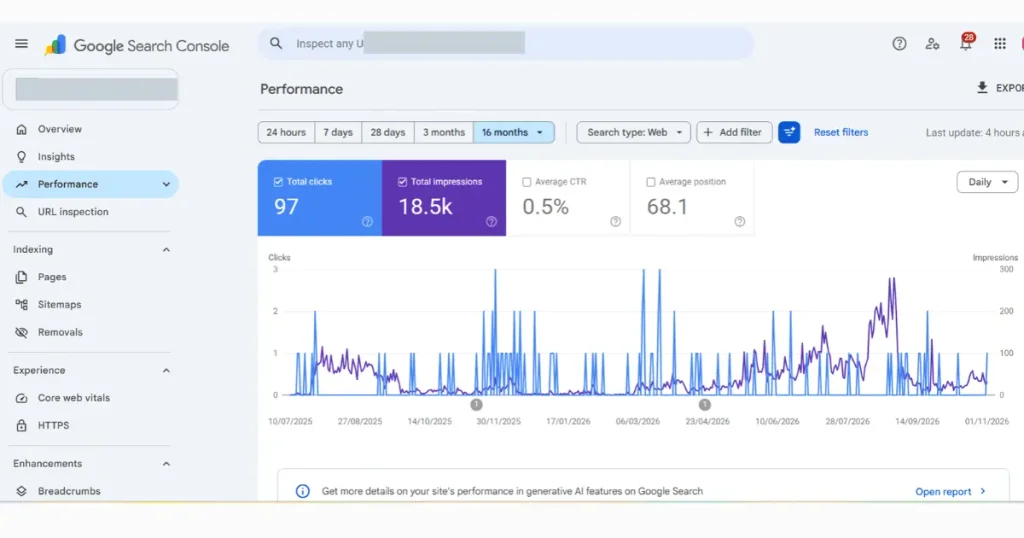
| Google Search Console | Seeing how your site performs in Google search |
| Google Keyword Planner | Keyword ideas (free with a Google Ads account) |
| Google Trends | Spotting rising topics |
| Ubersuggest | Keyword ideas, with a small number of free searches per day |
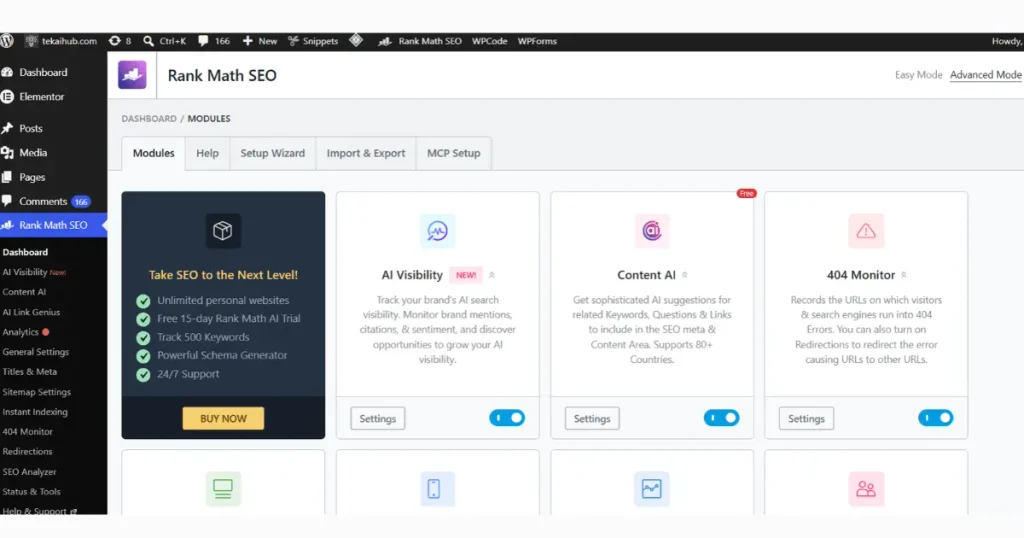
| Rank Math or Yoast (WordPress) | On-page SEO checks |
Advertising
Meta Advantage+ and Google Performance Max use AI to choose audiences and test ad creatives. You pay for the ads, but the AI features themselves come at no extra cost.
Free AI tools for productivity and automation
Meetings and notes
| Tool | Best for |
| Otter.ai | Meeting transcripts and summaries |
| Fireflies.ai | Meeting notes and action items |
| Google Meet with Gemini | Notes in Google Workspace (on eligible plans) |
Task and project management
| Tool | Best for |
| ClickUp | Tasks and docs with AI features |
| Trello | Simple boards for small teams |
| Notion | Notes, wikis and task lists |
Customer support chatbots
| Tool | Best for |
| Tidio | Website chat and FAQ automation for small shops |
| Freshdesk | Support tickets and help desk |
| WhatsApp Business app | Quick replies and away messages |
Workflow automation
| Tool | Best for |
| Zapier | Connecting apps without code |
| Make | Visual multi-step automations |
| n8n | Open-source automation you can self-host |
Example automation: when someone fills in your website contact form, automatically add them to a Google Sheet, send them a welcome email, and post a notification to your team chat.
Free AI tools for sales and growth
CRM
| Tool | Best for |
| HubSpot CRM | Free contacts, deals pipeline and email tracking |
| Zoho CRM | Small teams that want a free starter CRM |
| Streak | A simple CRM inside Gmail |
E-commerce
Shopify Magic is included with Shopify plans and helps write product descriptions and emails. Canva and Gemini can help create product images.
Analytics
| Tool | Best for |
| Google Analytics 4 | Website traffic and conversions |
| Microsoft Clarity | Free heatmaps and session recordings |
| Hotjar | Heatmaps and visitor feedback |
How to choose the right tools
- Start with your biggest pain point. Pick one or two tools for the task that costs you the most time.
- Check free plan limits for users, posts, emails or AI credits, and whether you can export your data.
- Choose easy tools. A simple tool you use daily beats a powerful one you never open.
- Check integrations with your website, email, store and social accounts.
Common mistakes
- Relying entirely on AI content. Add your own expertise and examples.
- Skipping the human edit. Check facts, tone and brand fit.
- Signing up for too many tools. Master three before adding more.
- Not tracking results. Measure time saved, leads and sales.
Are free AI tools safe?
- Read the privacy policy. Check whether your data is used to train AI models and where it is stored.
- Protect sensitive data. Do not paste customer details, payment data or confidential documents into free AI tools.
- Expect mistakes. AI can be wrong; review its output before customers see it.
- Use trusted providers with clear policies and support.
The future of AI for small businesses
- AI agents that complete multi-step tasks for you
- More personalised marketing for small teams
- Smarter chatbots handling first customer contact
- More advanced features moving into free plans
Frequently asked questions
What are the best free AI tools for small businesses?
A strong starting set is ChatGPT or Gemini for writing, Canva for design, Meta Business Suite or Buffer for scheduling, HubSpot CRM for customers, and Google Analytics for your website.
Can small businesses really use AI for free?
Yes. Most popular AI tools have free plans that cover basic needs. Paid plans add higher limits and team features.
Which AI tool is best for marketing?
For most small businesses, Canva for visuals plus ChatGPT or Gemini for copy covers the majority of marketing tasks.
Are free AI tools good enough for startups?
Yes, for getting started. Upgrade only when you consistently hit the free plan’s limits.
What are the risks of using AI tools?
The main risks are inaccurate output, privacy of the data you enter, and over-reliance on generic content. Review everything and protect sensitive data.
Which free AI tools help with SEO?
Google Search Console, Google Keyword Planner, Google Trends and a WordPress SEO plugin such as Rank Math are free and effective.
Final takeaways
Free AI tools can save small businesses real time on writing, design, scheduling, support and admin. Start with one problem, choose one or two tools, learn them properly, and measure the results.
Pick the task that takes most of your week and try one tool from this guide for it today.