
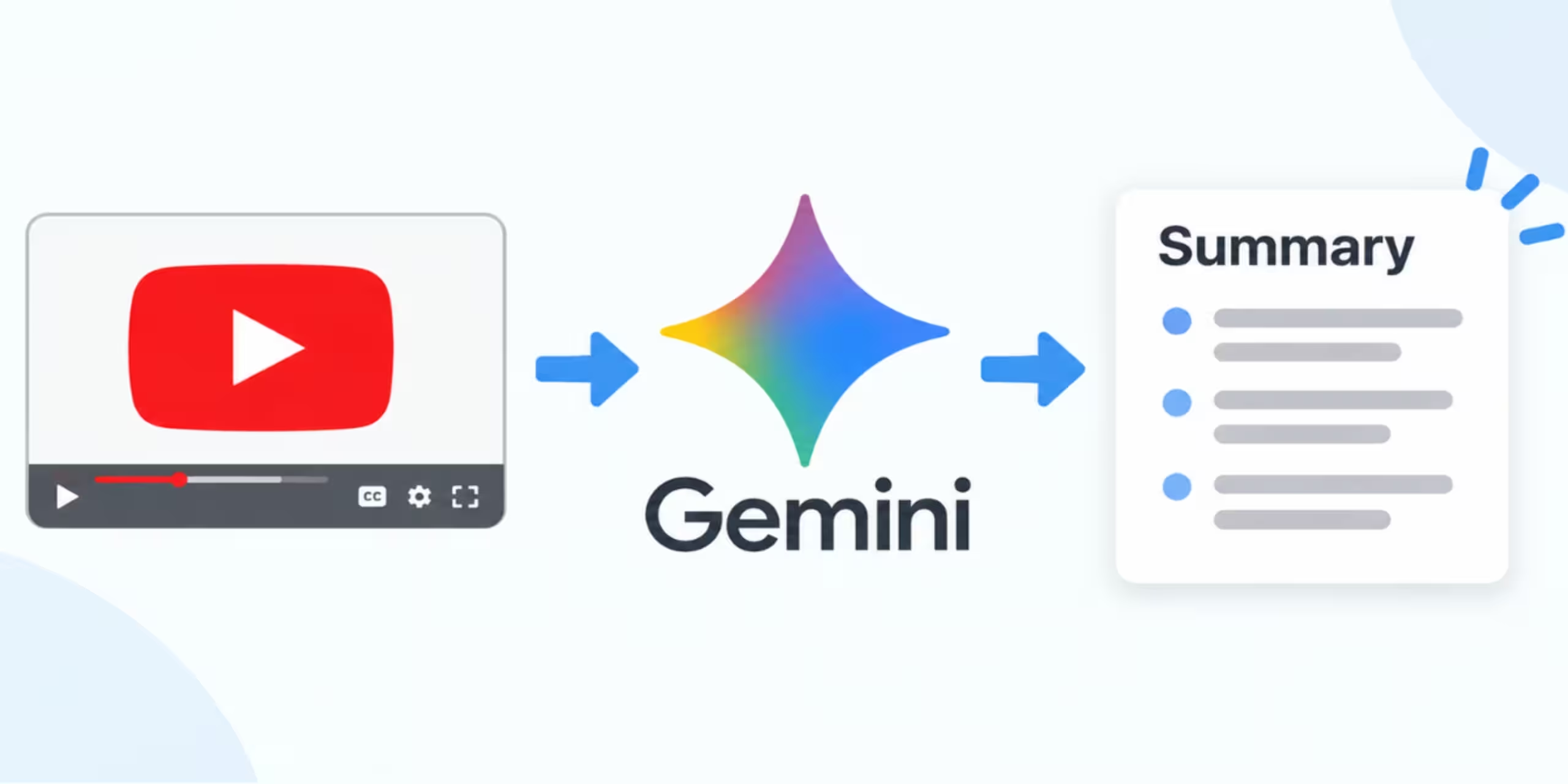
Watching a 30-minute or two-hour YouTube video just to find a few useful points can take a lot of time. Gemini can help you get information from YouTube content by finding videos, answering questions about them, and creating useful summaries.
You can ask Gemini about a YouTube video you find through Gemini or provide a YouTube video link in your prompt. Depending on the video and the features available to your account, Gemini can help turn the content into a shorter explanation, study notes, key points, or answers to specific questions.
This guide explains how to summarize YouTube videos with Gemini, which prompts to use, what to do when a summary does not work, and how to get more useful results.
Can Gemini Summarize YouTube Videos?
Yes. Gemini Apps can work with YouTube content and answer questions about videos. Google says Gemini uses public information from YouTube to help users understand video content and find videos, playlists, and channels.
You can also include a YouTube link in a Gemini prompt and ask it to use the video to create study materials or explain the content.
However, you should not assume that Gemini will provide a complete word-for-word analysis of every YouTube video. The information Gemini can use may vary depending on the video, your account, and feature availability.
How to Summarize a YouTube Video With Gemini
The basic process is simple.
Step 1: Open Gemini
Go to Gemini on the web or open the Gemini mobile app.
Sign in to your Google account if required.
For YouTube-related features, Google currently requires Gemini Apps activity to be turned on.
Step 2: Find or provide the YouTube video
You have two practical options.
You can ask Gemini to find a YouTube video about a specific topic.
For example:
Find a YouTube video that explains how compound interest works for beginners.
After Gemini returns a video, you can ask it to summarize the video.
You can also provide a YouTube video link directly in your prompt when the feature is available.
Step 3: Ask for a summary
Use a direct prompt that tells Gemini exactly what you want.
For example:
Summarize this YouTube video in 10 bullet points. Focus on the main ideas and important examples.
Gemini will then generate a response based on the YouTube information available to it.
Step 4: Ask follow-up questions
You do not have to stop with the first summary.
You can ask Gemini to explain a particular section, simplify a concept, create notes, or identify important ideas.
For example:
Explain the third point in simple language.
Or:
Turn these points into study notes for a beginner.
This makes the conversation more useful than asking for a general summary alone.
How to Summarize a YouTube Video Using Its Link
If you already know which video you want to analyze, copying the video link can be more convenient than searching for it.
Open the YouTube video and copy its URL.
Then open Gemini and paste the link into the prompt.
Try:
Summarize this YouTube video in 300 words. Include the main argument, important points, and examples.
You can make the request more specific:
Summarize this video for a college student. Explain the main concepts in simple language and list five important takeaways.
Google also documents using a YouTube link in Gemini to ask about the video or create study materials from it.
15 Useful Gemini Prompts for YouTube Summaries
The quality of the response often depends on how clearly you describe the output you want.
Here are prompts you can adapt.
1. Short summary
Summarize this YouTube video in 100 words and include only the most important points.
2. Detailed summary
Give me a detailed summary of this YouTube video. Organize the information by topic.
3. Key takeaways
List the 10 most important takeaways from this video.
4. Beginner explanation
Explain the main ideas from this video as if I am completely new to the topic.
5. Study notes
Turn this YouTube video into organized study notes with headings and bullet points.
6. Important concepts
Identify the key concepts explained in this video and briefly define each one.
7. Main argument
What is the main argument or central idea of this video? Explain it in simple terms.
8. Action points
Extract the practical steps or actions recommended in this video.
9. Tutorial summary
Summarize this tutorial as a step-by-step checklist.
10. Revision notes
Create concise revision notes from this video that I can review before an exam.
11. Questions and answers
Create 10 questions and answers based on the important information in this video.
12. Beginner-friendly summary
Rewrite the important information from this video in simple English without unnecessary details.
13. Compare ideas
Identify the different approaches discussed in this video and explain how they differ.
14. Important examples
List the examples used in this video and explain what each example demonstrates.
15. One-paragraph summary
Summarize this YouTube video in one clear paragraph containing the central idea and the most important supporting points.
How to Get Better YouTube Summaries From Gemini
A vague request can produce a broad response. Adding a few instructions usually gives you a more useful result.
Instead of:
Summarize this video.
Try:
Summarize this 45-minute video in 12 bullet points. Focus on the main concepts, practical examples, and conclusions. Keep each point under two sentences.
You can control several parts of the response:
- Length: 100 words, 300 words, or a detailed summary
- Format: bullets, paragraphs, table, notes, or checklist
- Audience: beginner, student, professional, or researcher
- Focus: examples, arguments, steps, statistics, or conclusions
- Language: simple English or technical terminology
- Purpose: revision, research, quick reading, or implementation
How to Create Study Notes From a YouTube Video
YouTube contains a large amount of educational content, from lectures to tutorials and explainers.
Gemini can help turn relevant YouTube content into a study-friendly format.
Try this prompt:
Turn this YouTube video into study notes. Use clear headings, short explanations, important definitions, examples, and a final list of key points.
You can also ask for a quiz:
Based on this video, create 15 multiple-choice questions and provide the answers at the end.
If you are learning a difficult topic, ask Gemini to explain one concept at a time rather than requesting a huge summary.
For example:
Explain the most difficult concept in this video using a simple example.
Gemini’s learning tools can also work with YouTube videos and can be used to create study materials from a YouTube link when the relevant feature is available.
How to Summarize a YouTube Tutorial
Tutorials often contain a sequence of actions, so a normal paragraph summary may not be the most useful format.
Ask Gemini to preserve the order of the instructions.
For example:
Convert this YouTube tutorial into a numbered step-by-step guide. Keep the steps in the same order and mention any important settings or warnings.
You can then ask:
Turn these steps into a short checklist I can follow while working.
This approach works well for tutorials about software, study techniques, cooking, DIY projects, and other instructional topics.
How to Find the Main Points of a Long Video
Long videos can contain introductions, examples, explanations, and repeated ideas.
If you only need the important information, be specific about what should be removed.
Try:
Extract the main ideas from this video. Ignore introductions, repeated points, and promotional sections. Give me the five most useful ideas.
You can also ask for a structured breakdown:
Organize the important topics from this video into sections and give me a two-sentence explanation for each section.
Can Gemini Answer Questions About a YouTube Video?
Yes. Gemini can answer questions about YouTube content when the relevant YouTube functionality is available.
Instead of requesting a complete summary, you can ask targeted questions.
For example:
What problem does the speaker identify in this video?
Or:
What three methods does the video recommend?
You can also ask:
What example does the speaker use to explain this concept?
Specific questions can be useful when you are looking for one piece of information instead of reading an entire summary.
Can Gemini Summarize YouTube Playlists?
Gemini can find and work with information about YouTube videos and playlists.
If you want to understand a collection of videos, you can ask Gemini to help organize the available information.
For example:
Find videos in this playlist related to beginner-level SEO and summarize the main topic covered in each one.
The exact response can depend on what Gemini can access from the YouTube content at the time.
For large playlists, it is usually better to work through the relevant videos individually rather than expecting one response to provide a complete analysis of everything.
How to Use Gemini for YouTube Research
Gemini can also be useful during the early stages of research.
Suppose you are researching a topic such as artificial intelligence.
You could ask:
Find YouTube videos that explain AI agents for beginners.
After Gemini finds relevant videos, you can ask about the content and identify the topics covered.
For more reliable research, do not treat an AI-generated summary as your only source. Open the original video and verify important claims, statistics, dates, names, and technical details.
This is especially important when the information will be used in an article, assignment, presentation, or business decision.
What If Gemini Does Not Summarize the YouTube Video?
Sometimes Gemini may not give you the response you expected.
Start by checking whether you are signed in and whether Gemini Apps activity is enabled. Google says the YouTube feature is unavailable when Gemini Apps activity is turned off.
Also remember that the feature is not currently available in Gemini Live chats or Gemini in Google Messages.
If Gemini cannot work with a particular video, try asking about the video again in a standard Gemini conversation.
You can also change your prompt.
Instead of:
Summarize this.
Try:
Explain the main topic of this YouTube video and list the five most important points.
If the issue continues, the video or your account may not have access to the relevant functionality.
Can Gemini Summarize Every YouTube Video?
You should not assume that Gemini can produce a complete summary for every video on YouTube.
Google describes Gemini as using public information from YouTube to help users understand video content. Availability and behavior can vary.
A response may also differ depending on the type of video and the information Gemini can access.
For this reason, check the original video whenever accuracy matters.
How to Make Gemini Summaries More Accurate
AI-generated summaries can leave out context or misunderstand information.
Use these practices when the information is important:
Check important claims
Compare important facts with the original video or another reliable source.
Ask for specific information
A focused question can be more useful than a broad request.
Request supporting details
Ask Gemini to identify the examples or explanations used in the video.
Review numbers and dates
Statistics, prices, dates, and other specific information deserve extra attention.
Use the original video
A summary is a shortcut for understanding content. It should not automatically replace the original source when every detail matters.
10 Practical Ways to Use Gemini YouTube Summaries
Once you know how to summarize YouTube videos with Gemini, you can use the feature for more than quick reading.
1. Study lectures
Turn educational videos into structured revision notes.
2. Review tutorials
Convert long tutorials into shorter step-by-step instructions.
3. Research topics
Identify the main ideas covered across relevant videos.
4. Prepare for exams
Create questions, definitions, and revision points from educational content.
5. Review interviews
Ask for the main topics and arguments discussed by the speakers.
6. Understand technical videos
Request beginner-friendly explanations of difficult concepts.
7. Extract action steps
Turn advice-heavy videos into practical checklists.
8. Compare approaches
Ask Gemini to identify different methods discussed in a video.
9. Save time
Get a quick overview before deciding whether a long video is worth watching.
10. Create follow-up questions
Use the summary to identify topics that need further research.
Common Mistakes to Avoid
A few simple mistakes can make the results less useful.
Asking for a generic summary
“Summarize this” gives Gemini little direction.
Tell it what information you care about.
Requesting too much at once
A huge request can make the response harder to use.
Break complicated tasks into smaller questions.
Treating the summary as a transcript
A summary leaves out details by design. Do not assume that every statement from the video appears in the response.
Skipping fact-checking
Check important information against the original video or another trustworthy source.
Ignoring feature availability
Gemini’s YouTube capabilities can depend on account settings and available features.
Frequently Asked Questions
Do I need to download the YouTube video?
No. You can work with YouTube content through Gemini’s supported YouTube functionality. You do not need to download the video simply to ask Gemini about it.
Can Gemini create notes from a YouTube video?
Yes. You can ask Gemini to turn information from a YouTube video into study notes, key points, questions, or other structured material.
Can Gemini summarize a long YouTube video?
It can help you understand long videos, but the result depends on the information Gemini can access and the features available to your account. For important information, compare the summary with the original video.
Why can’t Gemini summarize my YouTube video?
Check that you are signed in and that Gemini Apps activity is enabled. Also make sure you are using a standard Gemini conversation because the YouTube feature is currently unavailable in Gemini Live chats and Gemini in Google Messages.
Can Gemini answer questions about a YouTube video?
Yes. You can ask questions about available YouTube content instead of requesting a general summary.
Can I use Gemini for studying from YouTube videos?
Yes. You can ask Gemini to turn relevant YouTube content into study notes, explanations, questions, or other learning materials.
Is a Gemini YouTube summary always accurate?
No AI summary should be treated as perfect. Verify important claims against the original video and reliable sources, particularly for academic, technical, financial, or professional information.
Final Thoughts
Gemini can make long YouTube content easier to review. You can ask it to summarize a video, identify important points, answer questions, create study notes, or turn a tutorial into a checklist.
The best results come from giving Gemini a specific task rather than using a one-line request. Tell it how long the response should be, who it is for, and which parts of the video matter to you.
For important information, use the summary as a starting point and check the original video before relying on specific claims.